Browser-Based 3D Workflow
Generate, refine, and export 3D without leaving the browser.
Ascoor helps you get to a first 3D draft fast, fix the important parts, and export your model for the web, 3D printing, and whatever comes next.
By continuing, you acknowledge our privacy policy.
Create → Edit → Export
Top demo shows the broader create-edit-export flow across browser-based 3D work.
Draft Fast
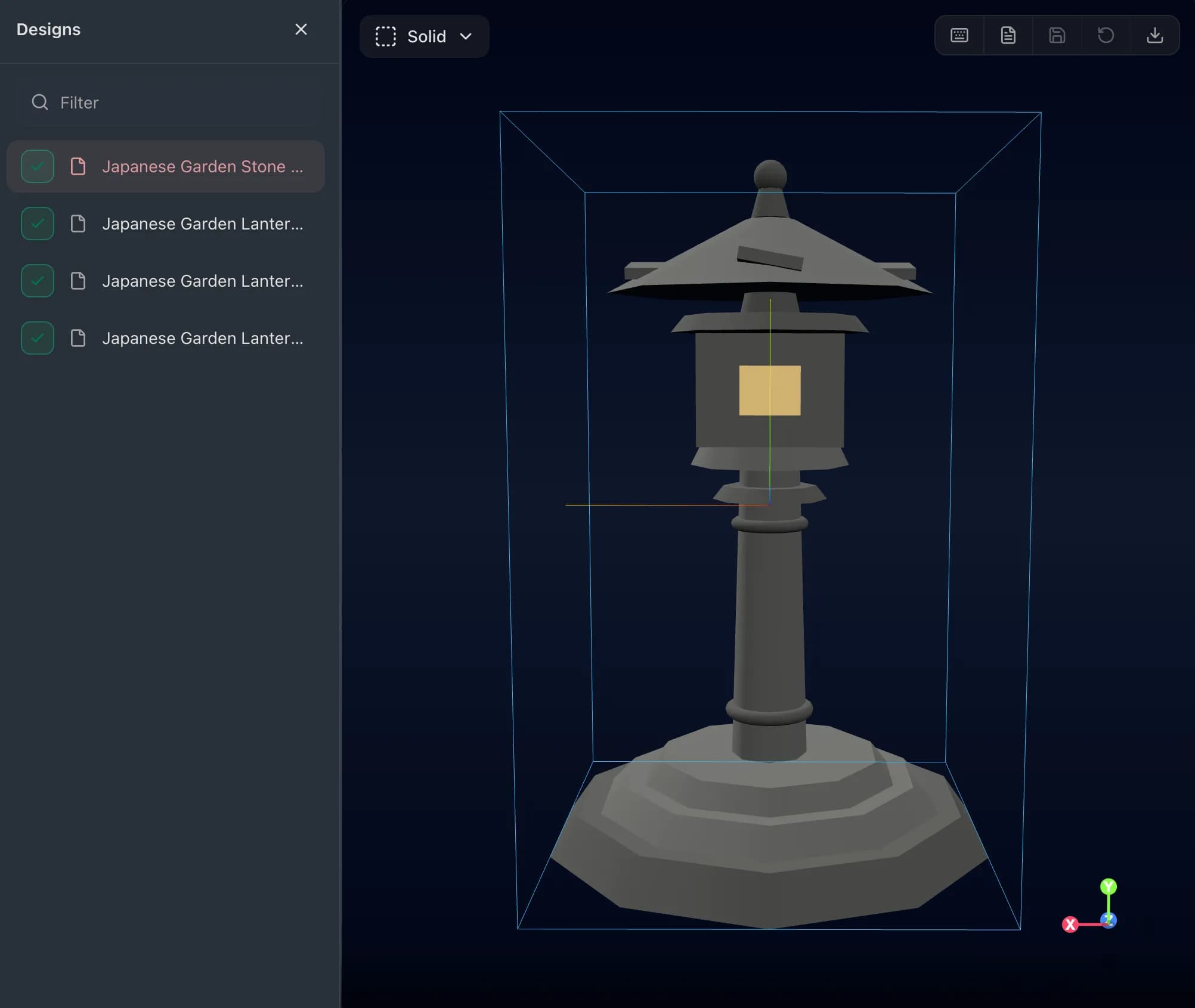
Get to a usable first model in minutes
Ascoor is strongest when the goal is speed to first draft. Start from a prompt, inspect the result, and decide what to refine next.
Move from idea to 3D form without opening a heavyweight desktop workflow first.
Refine In Browser
Fix structure and transforms before export
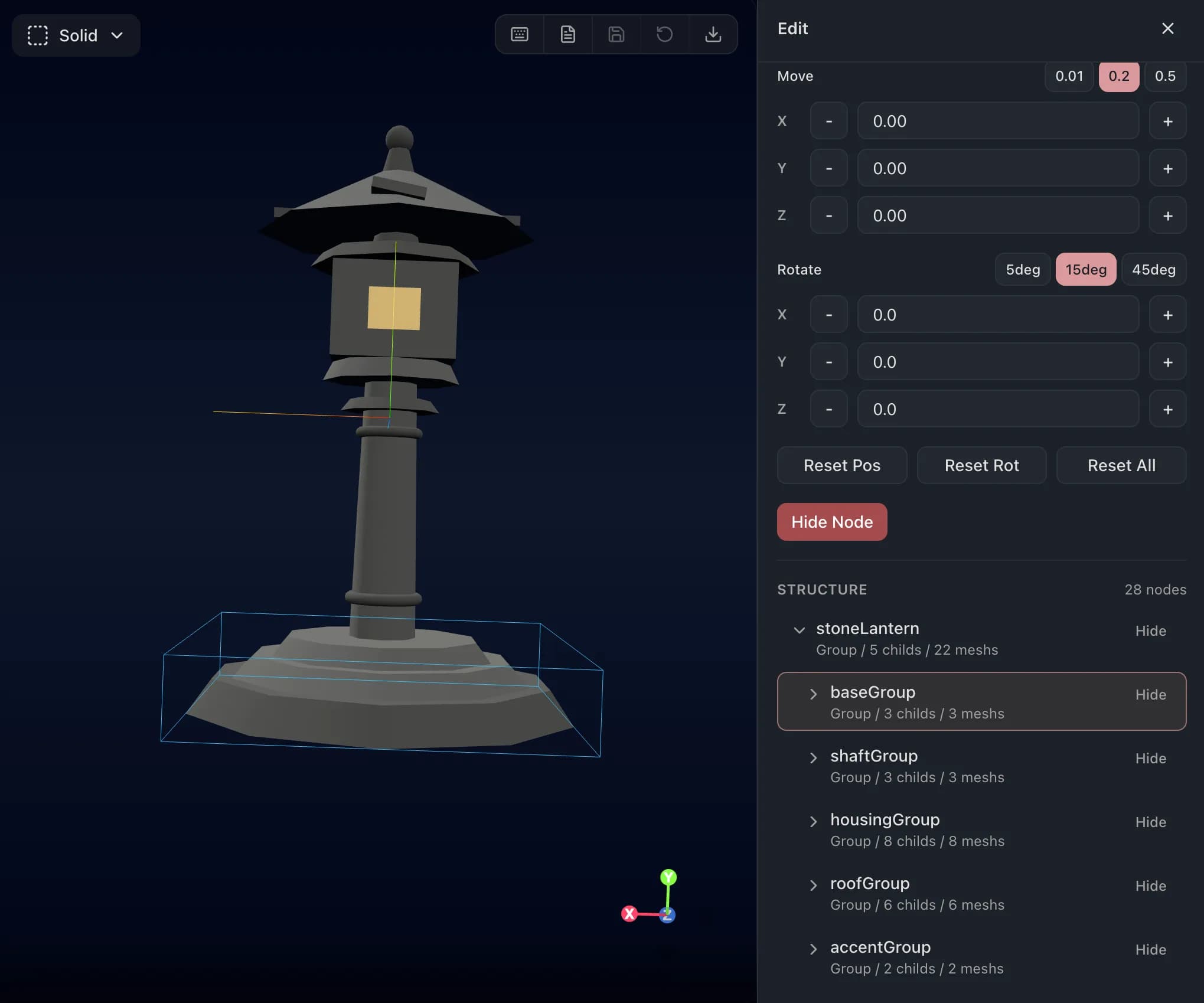
The product is not just about generating assets. It gives you a lightweight edit pass so you can clean up the draft before it hits the next stage.
Inspect the structure tree to understand what was generated.
Adjust transforms and obvious problems without leaving the browser.
Export For Real Use
Export into web, print, or handoff workflows
The value is in what happens after generation. Use the same draft-to-edit flow, then export your model for the web, 3D printing, or the next step in your work.
Export models for websites and browser-based 3D scenes.
Prepare drafts for quick 3D print tests and physical prototypes.
Share cleaned-up models for the next person, tool, or workflow.
Use Cases
Built for web scenes, print prototypes, and handoff
The strongest use cases are the ones where getting a draft fast, fixing it lightly, and exporting cleanly saves real production time.
Web 3D
Create 3D drafts for websites and browser-based scenes without spending the first hour modeling everything by hand.
3D Print
Create rough printable concepts, fix obvious issues, and move quickly into the next print test.
Example Output
One published example from the workflow
This embedded post is one outward-facing example of the same draft-edit-export loop shown above.
Pro
Excl. tax
7-day free trial. Card required. Cancel before renewal to avoid billing.
- Generate designs from prompts in Create mode
- Edit models with structure tree and transform controls
- Export GLB, STL, and JavaScript assets
- Save edited models back to the design
- Manage project-based design history
- 100 generated designs per month
* Generated design limits reset monthly (UTC).
7-day free trial with card required. Then renews monthly. Excl. tax.